Google Business Profile for Plumbers: How to Set It Up to Get More Calls
Most plumbing profiles stop at the basics. Here's how to set up your Google Business Profile as a service-area business, with the right categories, real service areas and a review routine that turns map views into calls.
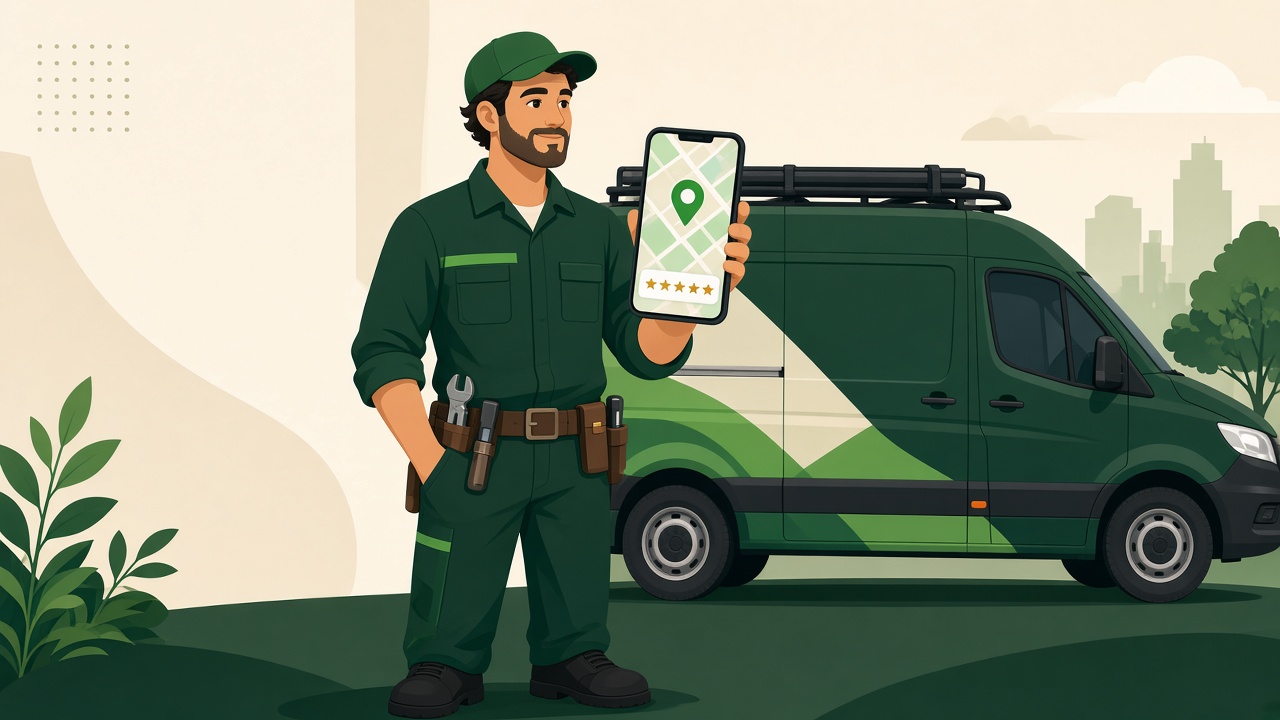
The short answer: A plumber's Google Business Profile should be set up as a service-area business with the address hidden, "Plumber" as the primary category, real service areas (up to 20), a full services list, real job photos, and a steady flow of recent reviews you reply to. Then link it to a page on your site that makes calling easy.
Most plumbing profiles get the basics half right and stop there. Here's how to set one up so it actually brings in calls.
Why your Google Business Profile matters for plumbers
When a pipe bursts, nobody browses. They search "plumber near me," look at the map results, check the stars and call.
Your Google Business Profile (GBP) is what shows up in those map results. It shows your name, phone number, hours, service area, photos and reviews, often before anyone visits your website.
Reviews carry a lot of weight in that decision. BrightLocal's 2026 Local Consumer Review Survey of 1,002 U.S. adults found:
- 97% of consumers read reviews for local businesses.
- 47% won't use a business with fewer than 20 reviews.
- 74% only care about reviews written in the last three months.
- 80% are more likely to use a business that responds to every review.
AI search is a growing factor too. The same survey found 45% of consumers have used AI tools like ChatGPT for local business recommendations, up from 6% the year before. (BrightLocal) A complete, accurate, well-reviewed profile gives every one of those tools better information about you.
Step 1: Set it up as a service-area business
Most plumbers drive to the customer. Google treats that as a service-area business, and its own help pages use plumbers as the example. (Google)
What that means for you:
- Hide your address if customers don't come to it. Google says service businesses without a storefront must hide the address. (Google)
- Have only one profile for the metro area you serve. Google warns that multiple profiles for the same business in the same area can get your account suspended. (Google)
- Don't fake a storefront. If you work from home or a yard, list as service-area. Temporary signs to look like a shop is a fast way into verification trouble.
Step 2: Get verified (without the headaches)
Your profile doesn't show to customers until it's verified. (Google)
Many service businesses are now asked to verify by video. Google's community guide for service-area businesses says the video should prove three things: where you're based, that the business really operates, and that you manage it. For a plumber, that means showing your tools, equipment and work vehicle, plus something like a permit, invoice or utility bill with the business name on it. (Google Business Profile Community)
Tip: make sure the business name on your documents matches the name on your profile exactly.
Step 3: Use your real business name
Use the name on your truck, your license and your invoices.
Don't stuff it with keywords like "Joe's Plumbing – Emergency Plumber Drain Cleaning Water Heaters Dallas." It's against Google's guidelines and it can get your profile suspended. If you want "plumber" in your name, make it part of your legal or branded name, not a tag on the end.
Step 4: Pick the right categories
Your primary category is the biggest signal you send Google about what you do. For most companies, that's Plumber.
Then add secondary categories only for work you really do and want more of, such as drain cleaning, water heater installation, or emergency plumbing services if those categories exist in your area's options. Don't add categories for jobs you turn down.
Step 5: Set real service areas
Google lets service-area businesses list up to 20 service areas: cities, ZIP codes or other areas. (Google)
Be honest. List the towns you actually drive to and want calls from. A plumber covering half the state looks less trustworthy and wastes your crew's drive time on low-value calls.
Step 6: Fill in services, hours and contact info
This is where most plumbing profiles are thin.
- Services: List every service you offer, such as leak repair, drain cleaning, sewer line, water heater repair and replacement, repiping, fixture installation and emergency service. Add a short description to each one.
- Hours: Set your real hours. If you offer 24/7 emergency service, say so, and make sure someone actually answers.
- Phone number: Use a number that rings a person or a system that texts back. (More on that below.)
- Website: Link to the most relevant page, ideally one built to get calls, not a generic homepage.
Step 7: Add real photos regularly
Use your own photos: trucks, crew, before and after shots, tidy installs. Skip the stock images.
Customers hiring someone to come into their home want to see who's showing up. Add new photos as you finish jobs so the profile looks active.
Step 8: Build a review routine
Reviews are where the BrightLocal numbers above turn into action. Recent reviews matter, a low count hurts, and replies count.
- Ask at the end of every job. The tech asks in person while the customer is happy.
- Text the review link the same day. Use the short link from your profile so it opens in one tap.
- Reply to every review, good or bad, within a few days. Keep replies short, specific and calm.
- Never buy or fake reviews. The FTC's rule on consumer reviews makes buying or posting fake reviews illegal. (BrightLocal on the FTC rule)
Don't aim for a fixed number. Look at the top three plumbers in your local map results and work toward matching their count, then keep reviews coming every week.
Step 9: Make sure the calls get answered
A great profile that rings to voicemail just sends the customer to the next plumber.
Set up a missed-call text-back so every unanswered call gets an instant reply. We wrote scripts for roofers that work for plumbers with small tweaks: missed call text back scripts.
Step 10: Check your results monthly
Your profile shows how people found you and what they did: calls, website clicks, direction requests. Check it once a month.
Track:
- Calls from the profile
- New reviews that month and your average rating
- Which searches you show up for
If views are up but calls are flat, look at your photos, reviews and hours. If calls are up but booked jobs aren't, the leak is in your follow-up.
Common GBP mistakes plumbers make
- Showing a home address customers aren't supposed to visit
- Stuffing keywords into the business name
- Creating a second profile for "another city"
- Listing 24/7 hours with nobody answering at night
- Getting a burst of reviews once, then nothing for months
- Ignoring negative reviews
Where this fits in a growth system
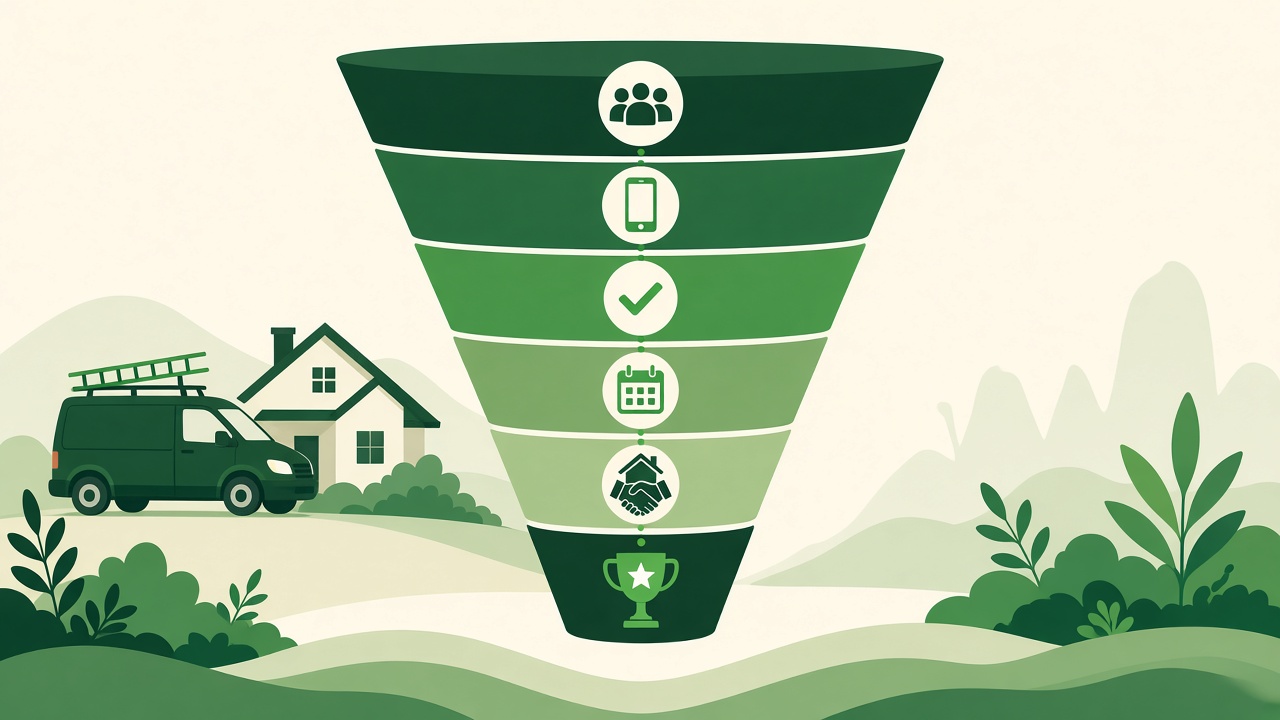
Your Google Business Profile is the Attract step of the system we use at Able To Do: Attract, Capture, Book, Improve. It gets you found. Your website, phone handling and follow-up turn that attention into booked jobs.
We help plumbing, HVAC, roofing and other home service businesses with local SEO, reviews, ads, websites and CRM follow-up, built around one goal: more booked jobs, not more noise.
FAQ
Is a Google Business Profile free for plumbers?
Yes. Creating and managing a profile is free. (Google)
Should a plumber show their address on Google?
Only if customers visit you there. If you go to customers, set up as a service-area business and hide the address. Google requires it for businesses without a storefront.
How many service areas can a plumber add?
Up to 20 cities, ZIP codes or other areas. Stick to areas you really serve.
What category should a plumber choose?
Use "Plumber" as the primary category for most companies. Add secondary categories only for services you really offer.
How many Google reviews does a plumber need?
There's no official number. BrightLocal found 47% of consumers won't use a business with fewer than 20 reviews. Beyond that, compare yourself to the top three plumbers in your local map results and keep fresh reviews coming in.
Can I have more than one profile for different cities?
Not for the same service-area business in the same metro. Google allows one profile per area served and may suspend duplicates.
Get your profile working as hard as your crew
Not sure if your Google profile is costing you calls? Book a free growth call. We'll look at your profile, reviews and lead follow-up and show you the gaps worth fixing first. No obligation, no generic pitch.