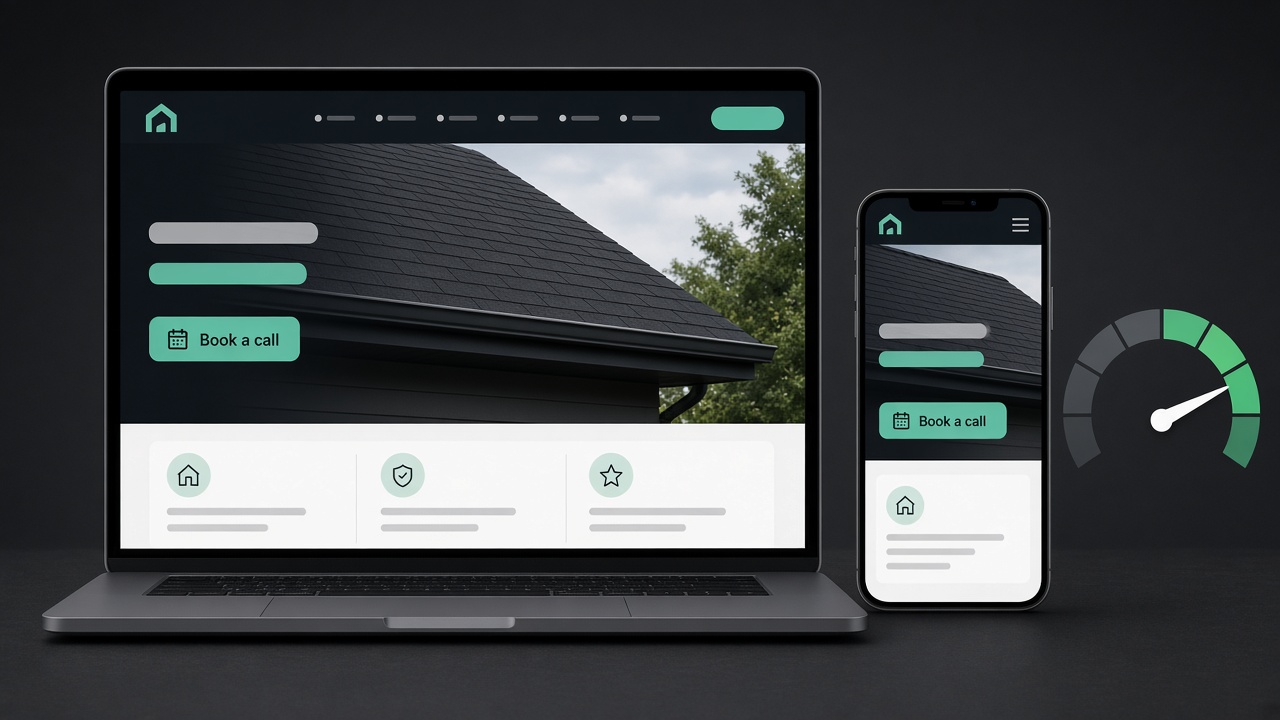
General Contractor Website Design: What Every Page Needs to Book More Jobs
Good general contractor website design turns visitors into booked estimates. Here's what each page needs, page by page, and how to judge a web design contractor before you hire.
The short answer: Good general contractor website design isn't about looking fancy. It's about turning a visitor into a booked estimate. That takes six things: a homepage that says what you do and where in five seconds, one page per service, project pages with real photos, visible proof you're licensed and insured, a short estimate form plus a tap-to-call button, and a fast follow-up the moment someone reaches out. Get those right and a simple site will beat a pretty one.
Most contractor websites look fine. The problem is they don't book jobs. The phone number is buried, every service is crammed onto one page, the photos are stock, and the contact form goes to an inbox nobody checks until Friday.
This guide walks through a contractor website page by page, what each page needs to do, and how to judge a web design contractor before you hire one.
What a general contractor website actually needs to do
A homeowner looking at your site is asking three questions, in this order:
- Do you do the kind of job I need, where I live?
- Can I trust you with my house and my money?
- How do I get a price, and how fast?
Every page should answer those. Google's own advice points the same way. Its guide to helpful content says pages should be written for people first, not to game rankings. A site built to answer real customer questions tends to do better with both homeowners and search engines.
Want the quick version? See our FAQ answer: What makes a contractor website actually generate calls?
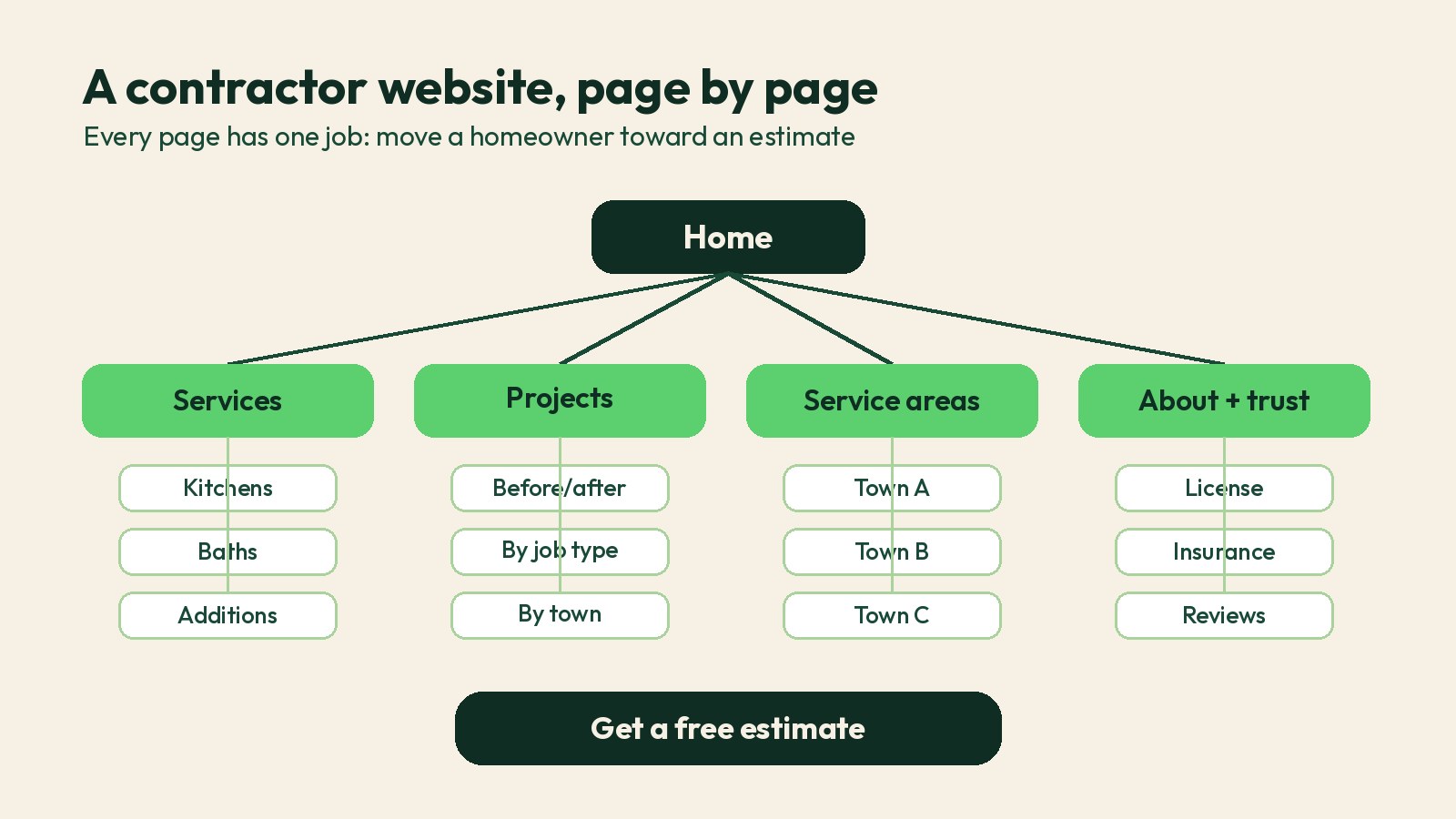
The contractor website, page by page
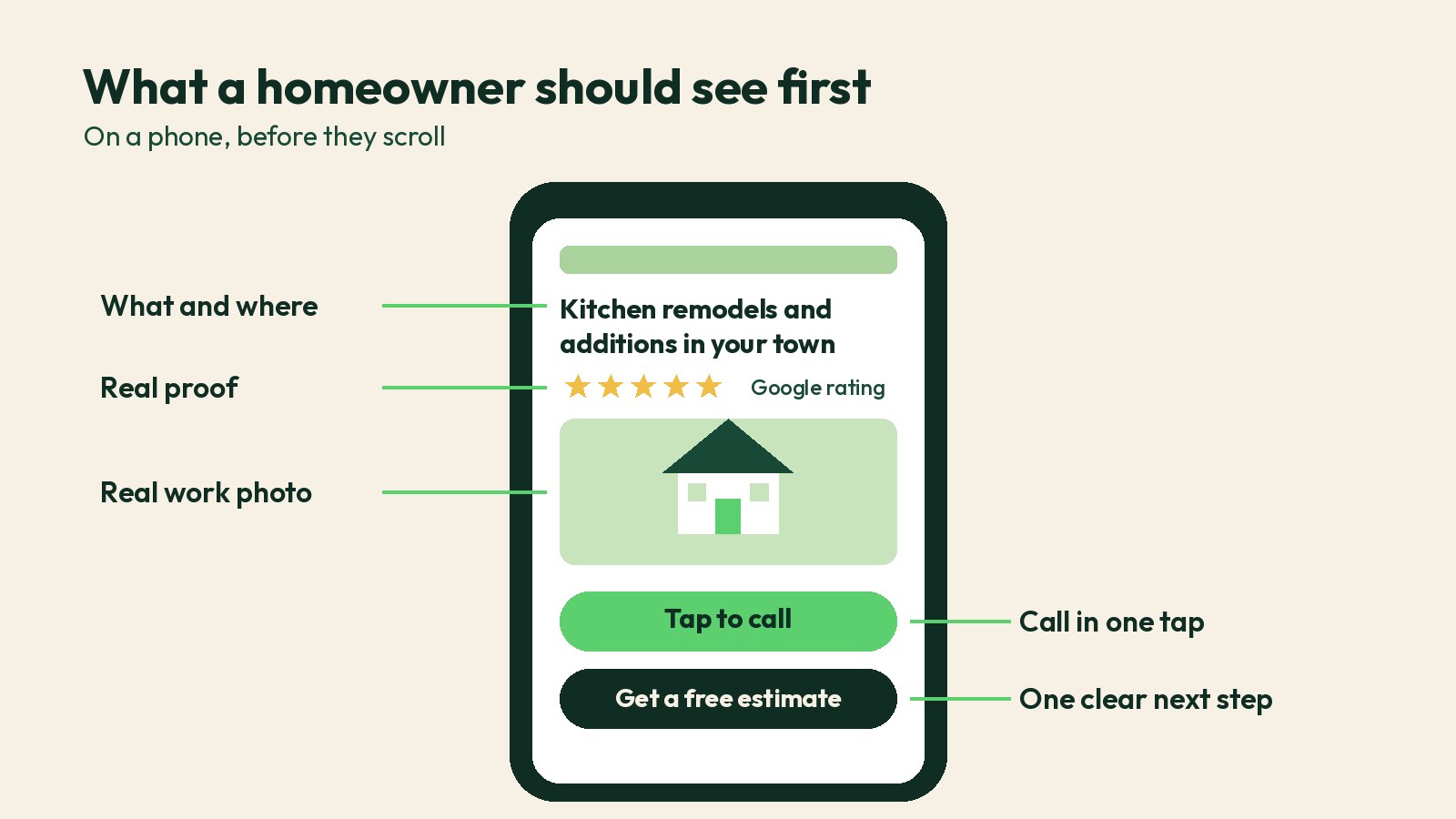
1. Homepage: say what, where and how to reach you
Above the fold, on a phone, a visitor should see:
- What you do and where:** "Kitchen remodels, additions and whole-home renovations in Boise and Meridian" beats "Building dreams since 1998."
- A tap-to-call phone number** and one clear button, like "Get a free estimate."
- One line of proof:** your Google rating, years in business or a license number.
- A real photo of your work or your crew,** not a stock skyline.
Below that, list your main services with links, show a few recent projects, explain your process in three or four steps, and end with the same call to action.
2. Service pages: one page per job type
This is where most general contractor web design falls short. A single "Services" page with a bulleted list gives Google nothing to rank and gives the homeowner nothing to read.
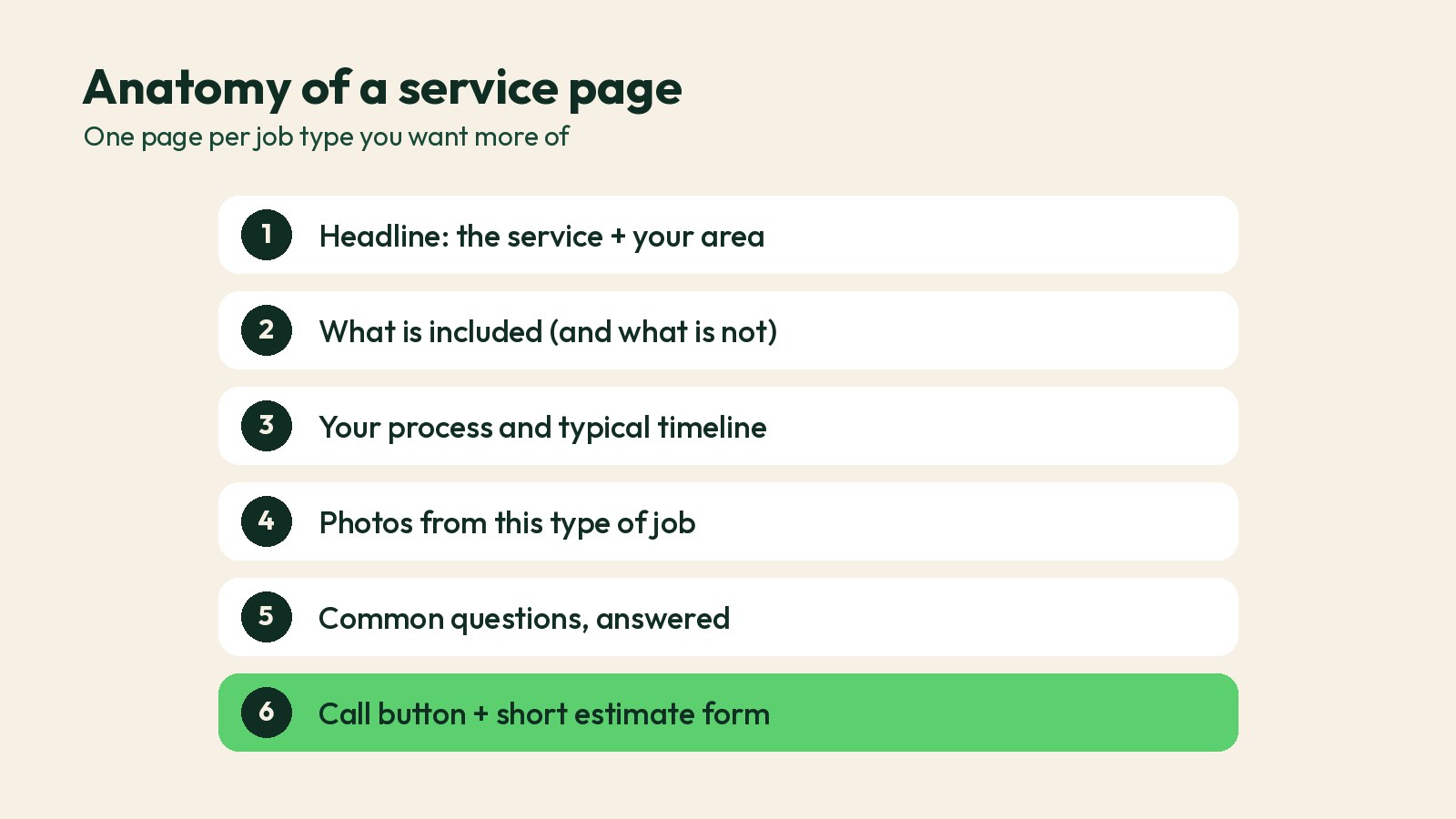
Give each service you want more of its own page: kitchen remodeling, bathroom remodeling, additions, roofing, decks, and so on. Each page should cover:
- Who it's for and the problems you solve
- What's included and what isn't
- Your process and typical timeline, in plain words
- Photos from that exact type of job
- Two or three questions homeowners ask about it
- A call button and an estimate form
Google's SEO Starter Guide recommends organizing a site so related content is grouped together and using descriptive page titles and headings. Separate service pages do exactly that. How many do you need? We answer it here: How many service pages should my website have?
3. Project pages: show the work, not stock photos
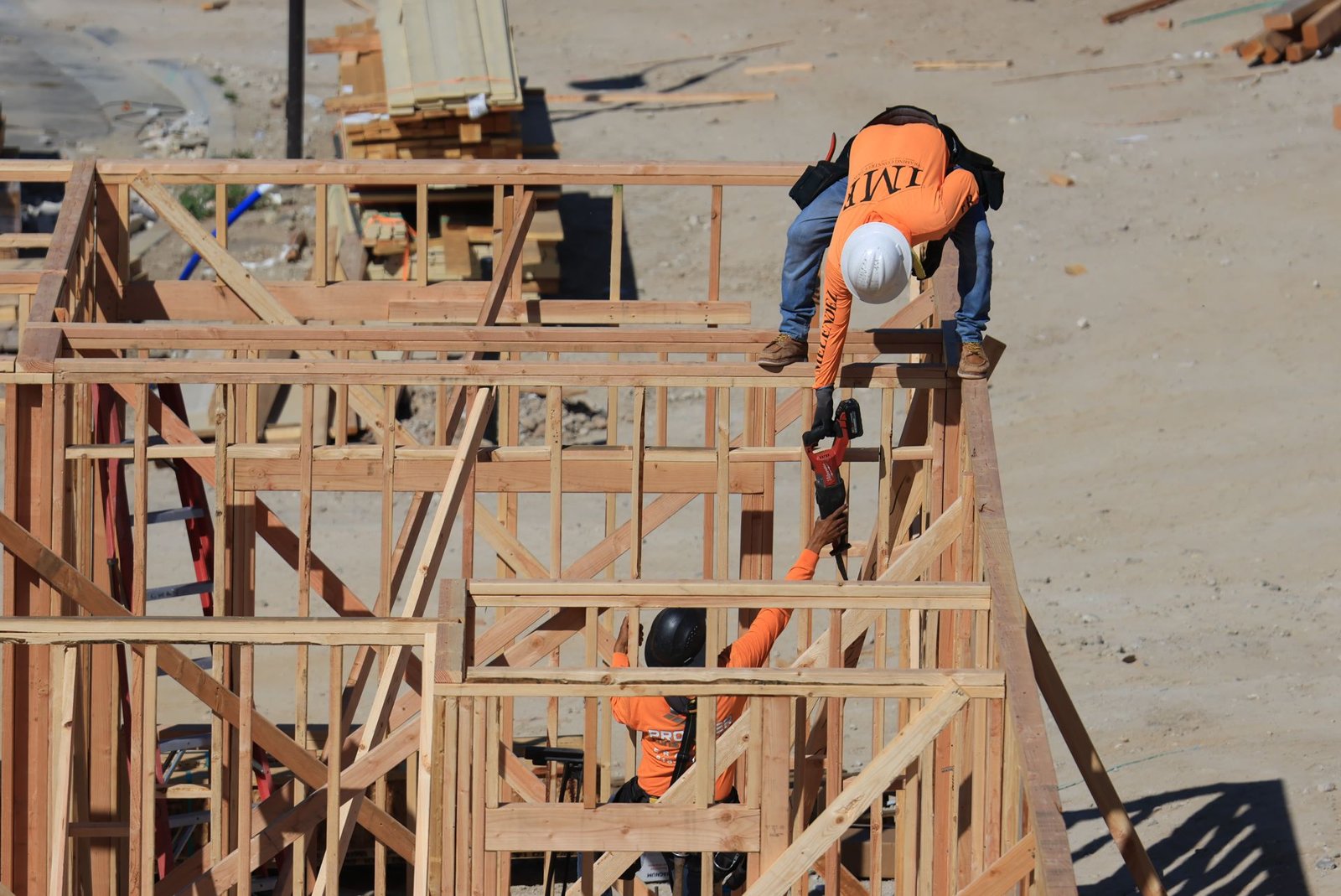
Homeowners hiring for a big project want to see that you've done jobs like theirs. A project page or gallery should show before and after photos, the scope, the town and what made the job tricky. A short note from the client helps, but only use real reviews from real customers.
Get your crew in the habit of taking photos on every job. Here's how: How do I get my crew to take good job-site photos and videos?
4. Service-area pages: only where you really work
If you serve several towns, a page for each main area can help you show up for local searches. But only build them for places you actually work, and make each one useful: projects you've done there, local permit notes, the neighborhoods you cover. Copying one page and swapping the city name is thin content, and it doesn't convince anyone.
More on this: Should I create separate pages on my website for each city I serve?
5. About and trust: prove you're the real deal
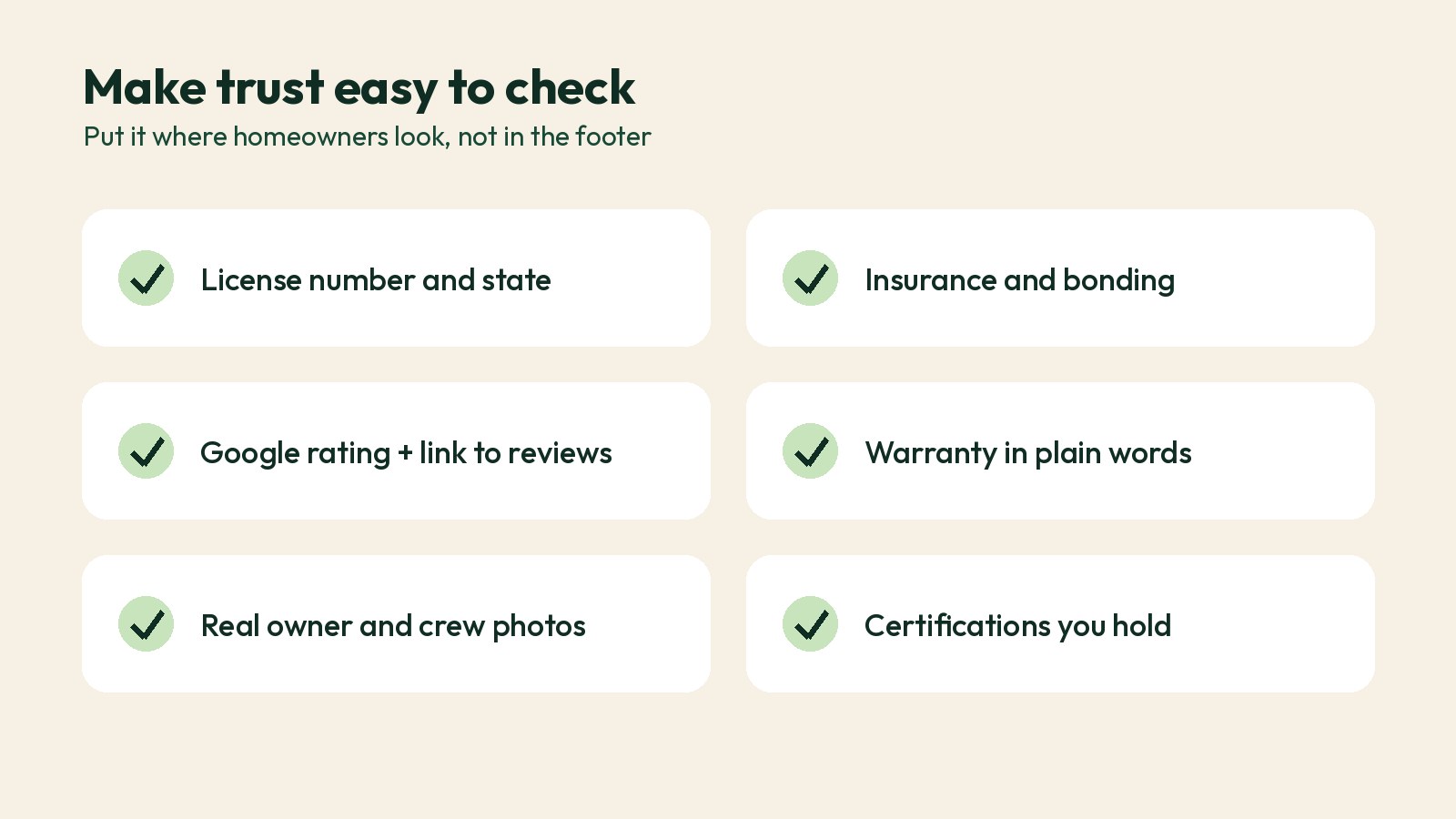
A remodel or new build is a big decision. Make the trust signals easy to find instead of hiding them in the footer:
- License number and the state that issued it
- Insurance and bonding, if you carry them
- Your Google rating with a link to your reviews
- Warranty terms, in plain words
- Real photos of the owner and the crew
- Trade memberships and manufacturer certifications you actually hold
Keep your business name, address and phone number the same here as on your Google Business Profile. Google's guidelines for representing your business ask for your real-world business information, and matching details avoid confusion.
6. Estimate page: make it easy to say yes
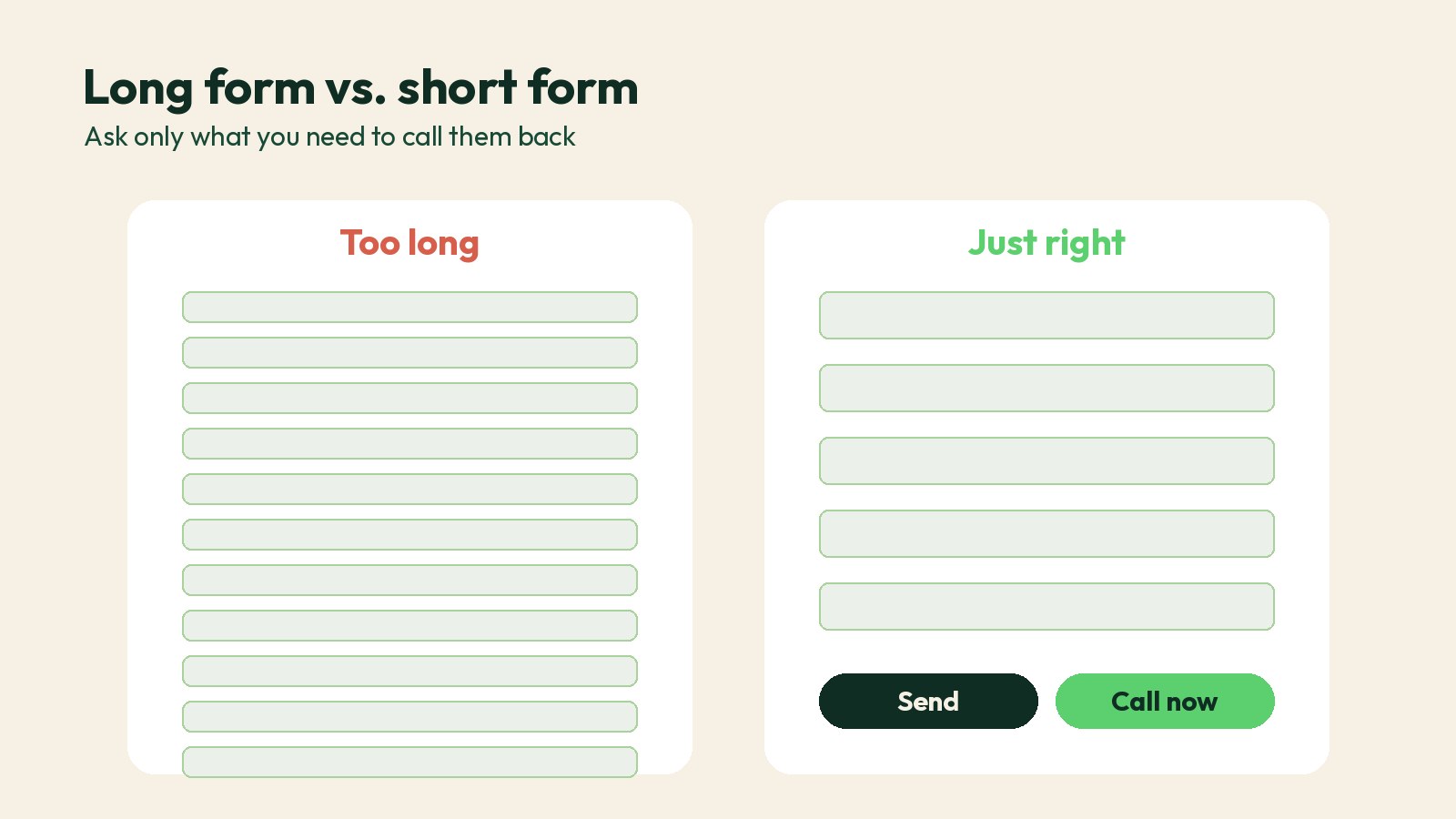
Your estimate form should be short. Name, phone, email, ZIP code, type of project and a box for details is usually enough to start. If you want to qualify leads more, add one or two questions, like timeline or budget range, but don't turn it into a tax form.
- Put a tap-to-call number next to the form. Many homeowners would rather call.
- Say what happens next: "We'll call you within the hour during business hours."
- Explain your process so people know what an estimate visit looks like.

Speed, mobile and the technical basics
Most of your visitors are on a phone, often in a truck or a driveway. A slow site loses them. Google's Core Web Vitals guidance gives clear targets: the main content should load within 2.5 seconds, the page should respond to taps in under 200 milliseconds, and the layout shouldn't jump around. You can test any page for free with PageSpeed Insights.
We went deep on this in Fast Contractor Website: Why Beautiful Isn't Enough. The short version: compress your images, skip the autoplay video header, and keep plugins to a minimum.
A few more basics any web design contractor should handle:
- A secure site (https) on every page
- Local business structured data, so search engines can read your name, address, phone and hours (Google's documentation)
- A unique title and description for every page
- Readable text, good color contrast and labeled form fields. The WCAG guidelines are the standard reference for accessibility.
- You own the domain, the hosting account and the content
The part most contractor websites miss: what happens after the form
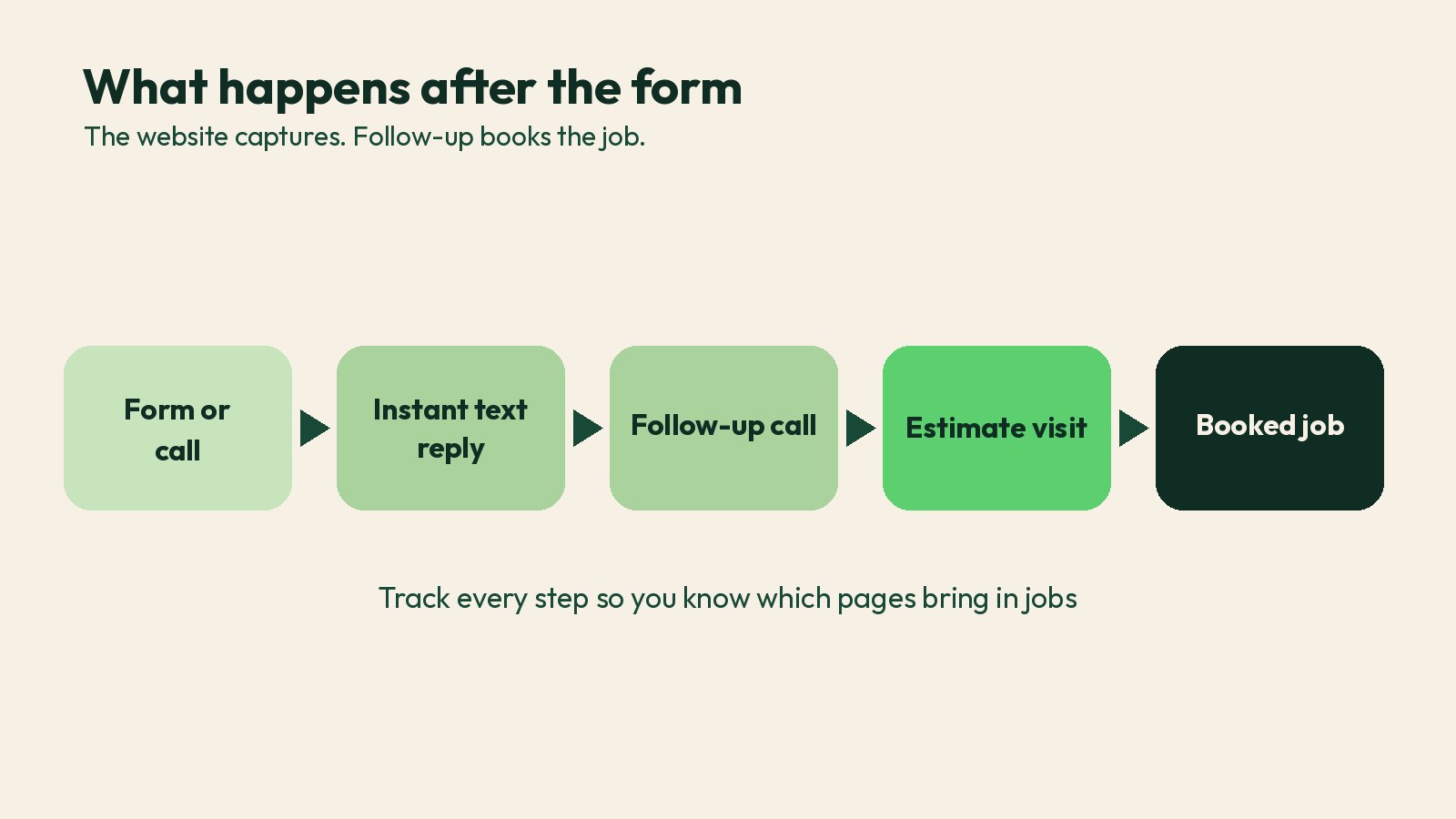
A great site that sends leads into a black hole still loses jobs. The website is the Capture step. Booking happens after it.
Set up your site so every form and call is:
- Sent to a CRM or at least a shared inbox and a text alert, not one person's email
- Answered fast, with an automatic text that confirms you got it
- Followed up more than once if the homeowner doesn't answer
- Tracked, so you know which pages and sources bring in jobs, not just clicks
That's how our CRM follow-up works, and it's why we build websites as one part of the Attract, Capture, Book, Improve growth system. For a full walkthrough of measuring each step, see our contractor sales funnel guide.
How to judge a web design contractor before you hire
Whether you call it a website design contractor, a web design company or an agency, ask these questions before you sign:
- Who owns the site, the domain and the content?** The answer should be you. See What happens to my website if I fire my agency?
- Can I see contractor sites you built, and how they perform on a phone?** Run them through PageSpeed Insights yourself.
- Will you write the service pages, or do I?** Someone has to, and it should sound like you.
- Where do form leads go, and how fast?** If they shrug, the site won't book jobs.
- What do you report on?** Calls, form fills and booked estimates matter more than traffic.
Already have a site? It might not need a rebuild. Do I need a new website, or can my current one be fixed?
General contractor website design FAQ
How much does a general contractor website cost?
It depends on how many pages you need, who writes the content and what's connected behind it, like a CRM and call tracking. Template sites cost less up front but often need more work later. See How much does a conversion-focused contractor website cost?
Is a Wix or Squarespace site good enough for a contractor?
It can be, if it's fast, has real service pages and sends leads somewhere they get answered. The builder matters less than the setup. Read the full answer.
What do the best construction company websites have in common?
They're clear about what they build and where, they show real projects, they make trust easy to verify, and they make it simple to call or request an estimate from any page, especially on a phone.
Should I put prices on my website?
Exact prices are hard for custom work, but ranges or "projects typically start at" can filter out poor-fit leads. More on pricing.
Should my website show financing options?
If you offer financing, yes. It can help homeowners who are ready but worried about the upfront cost. Read the full answer.
Want a website that books estimates, not just visits?
Book a free growth call. We'll look at your current site on a phone, check how fast it loads, walk through what happens when someone fills out your form, and show you the first few fixes that will get you more booked jobs. No obligation and no generic pitch.
Prefer to read first? Here's how our contractor websites are built, and how we market remodeling companies.
Sources
- Google Search Central, "Creating helpful, reliable, people-first content": https://developers.google.com/search/docs/fundamentals/creating-helpful-content
- Google Search Central, "SEO Starter Guide": https://developers.google.com/search/docs/fundamentals/seo-starter-guide
- Google Search Central, "Understanding Core Web Vitals and Google search results": https://developers.google.com/search/docs/appearance/core-web-vitals
- Google Search Central, "Local business structured data": https://developers.google.com/search/docs/appearance/structured-data/local-business
- Google Business Profile Help, "Guidelines for representing your business on Google": https://support.google.com/business/answer/3038177
- W3C Web Accessibility Initiative, "WCAG standards and guidelines": https://www.w3.org/WAI/standards-guidelines/wcag/
For roofing, solar, HVAC, plumbing & remodeling owners
Stop chasing leads. Start booking jobs.
One short email a week with a practical play to get more calls, more booked jobs, and less wasted ad spend. Built for contractors in the US and Canada.
We respect your inbox. No spam, ever.